Deploying to Vercel
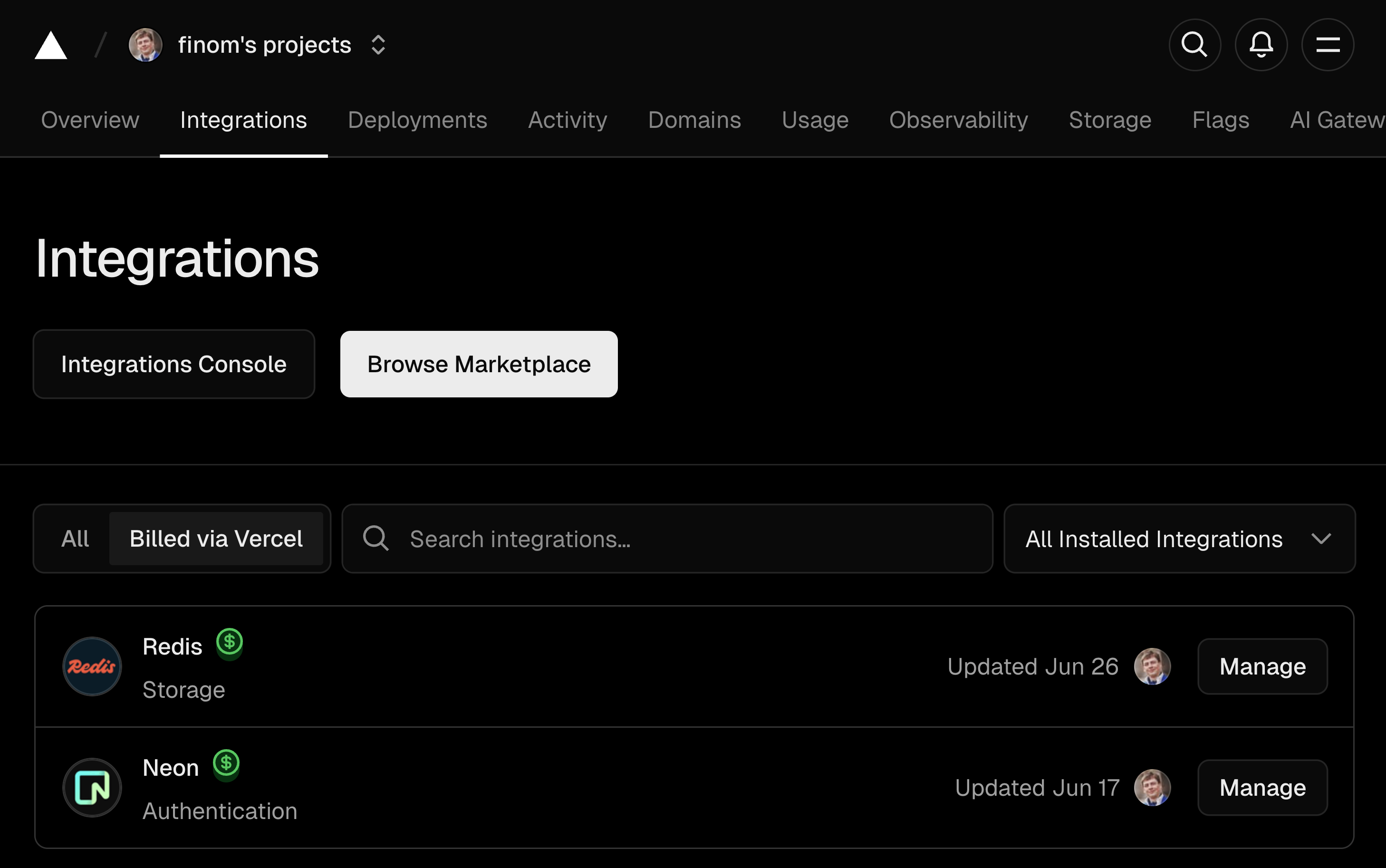
Any host that runs Node.js apps works. This page uses Vercel , because a quick demo deploy there needs little setup. It uses two Vercel integrations: Neon hosts the Postgres/PGVector database, and Redis hosts Redis. Neon is the main database. Redis is the database event bus for the real-time features in the Polling article, and temporary storage for the messages of the demo Telegram bot.
Note: Vovk.ts is not affiliated with Vercel, Telegram, or Neon.
To deploy, create a project in Vercel, link it to a fork of the GitHub repository, and add both integrations. Both are on the free plan.
Add OPENAI_API_KEY to the project’s environment variables. The integrations create the others, such as DATABASE_URL and REDIS_URL.
A PASSWORD variable is also recommended. It adds free password protection to the app’s pages and API, with any value you choose. It doesn’t cover the MCP server or the Telegram webhook.
With PASSWORD, also add SESSION_SECRET, the key that signs the session cookie. Without it, the app uses a default key from the public repository. Generate one with openssl rand -base64 32.
To protect the MCP server, add MCP_ACCESS_KEY. Clients then send the key in the ?mcp_access_key=your_key query parameter. If it isn’t set, the MCP server needs no key.
For the Telegram bot, add TELEGRAM_BOT_TOKEN and TELEGRAM_WEBHOOK_SECRET. The webhook answers only when both are set. See the Telegram integration article.
If something doesn’t work, compare your variables with the .env.template file.